
IChost: Logging into Hosting Control Panel
Login to Control Panel
Using the details from your welcome email, visit the following website and login:
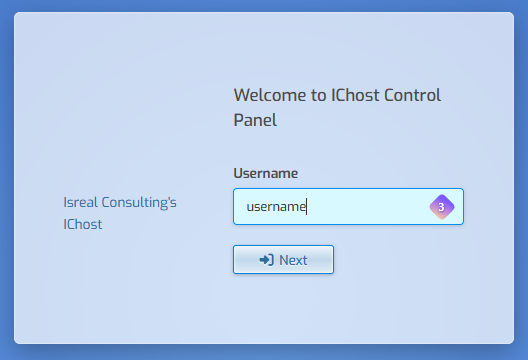
If you forgot your password, enter your username and click next, then click Forgot Password or click here to reset your password.
Next Steps
The very first thing we recommend is changing your account password.
- Click the user account icon of a head at the top right.

- Enter your preferred password in the Password field or click the green circular arrows to generate a secure random password. (be sure to remember it)
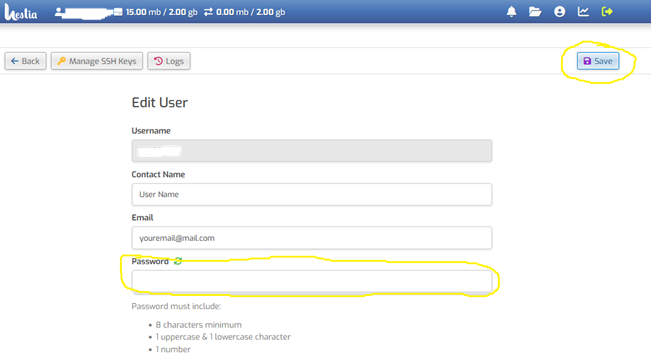
- Click the Save icon at the top right to save the password.
Still stuck? Open a support ticket.